Happy Spring Everyone! Let’s get printing together 🙂
What is a bleed?
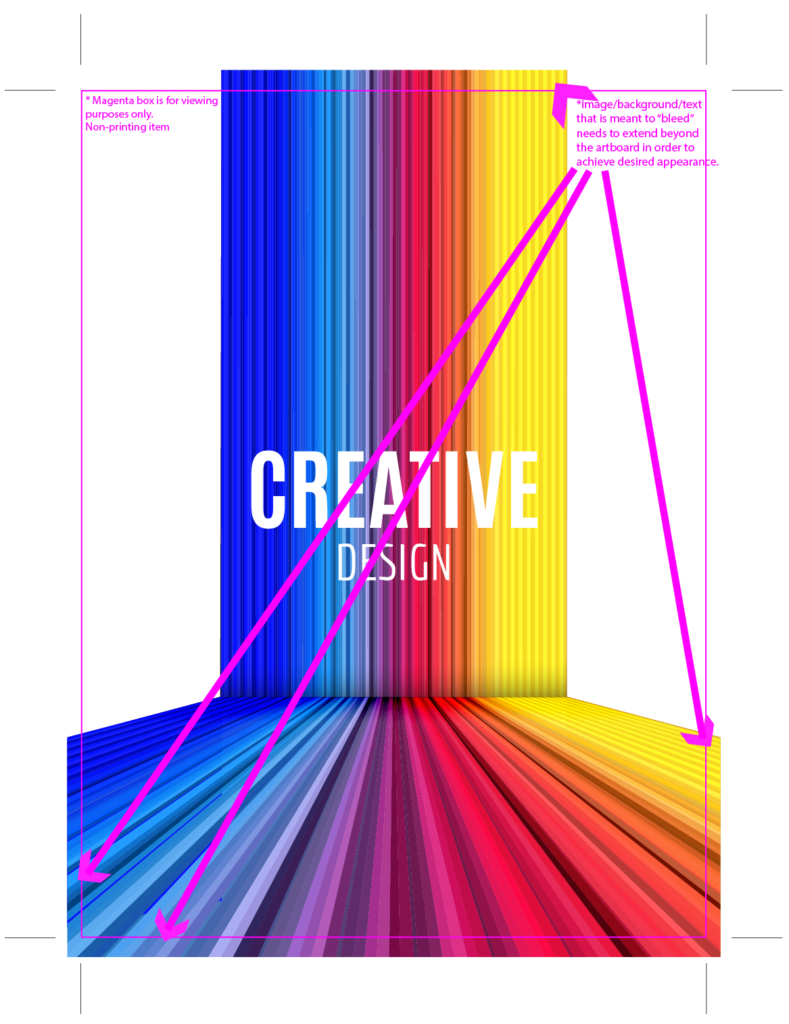
In printing, a bleed refers to the portion of a design that extends beyond the edge of the paper. This extra area ensures that when the printed piece is trimmed to its final size, there are no white borders or unwanted gaps along the edges. The bleed accounts for any slight shift that naturally occurs during the printing and cutting process.
For example, if you’re designing a brochure and want a background color or image to cover the entire page, you’d extend that color or image beyond the trim line by about 1/8 inch (0.125 inches). When cut to its final size, the bleed area is removed, leaving a clean, edge-to-edge print.
Key points about bleed in printing:
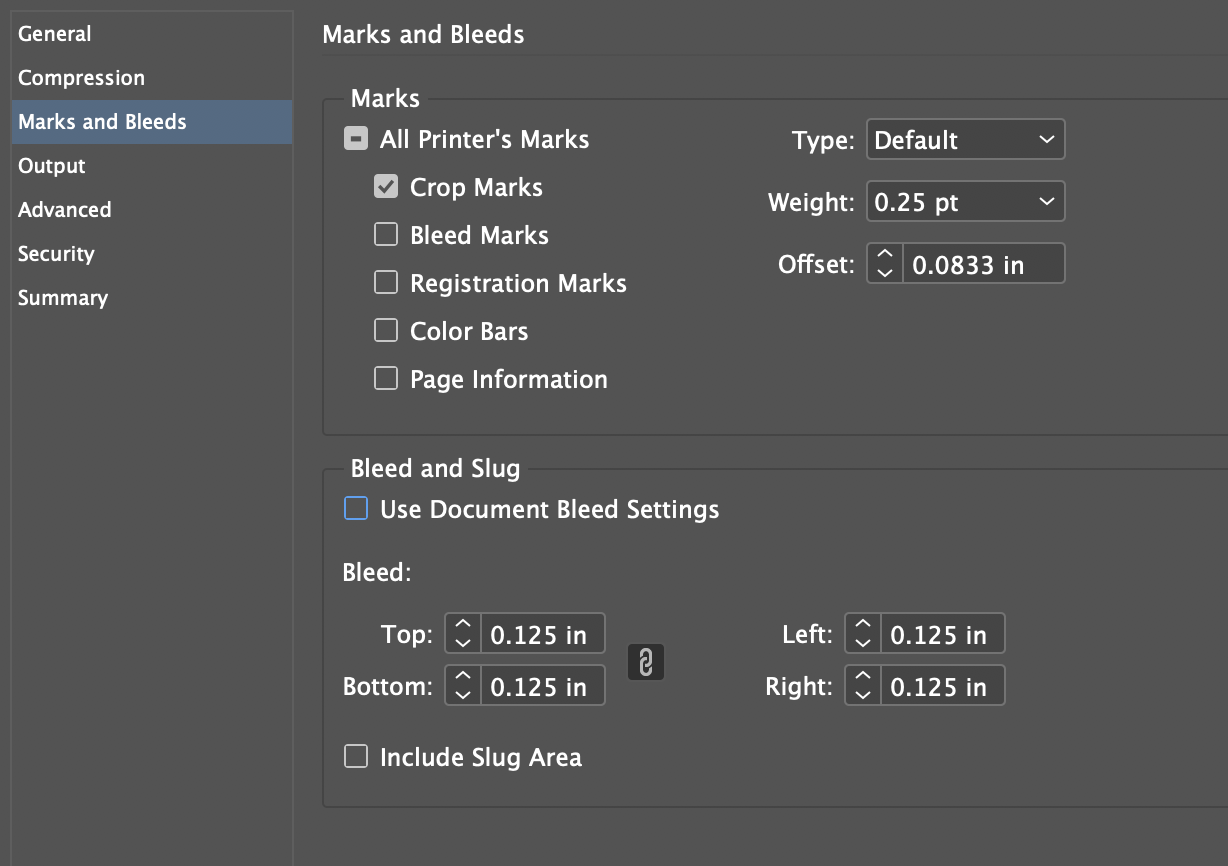
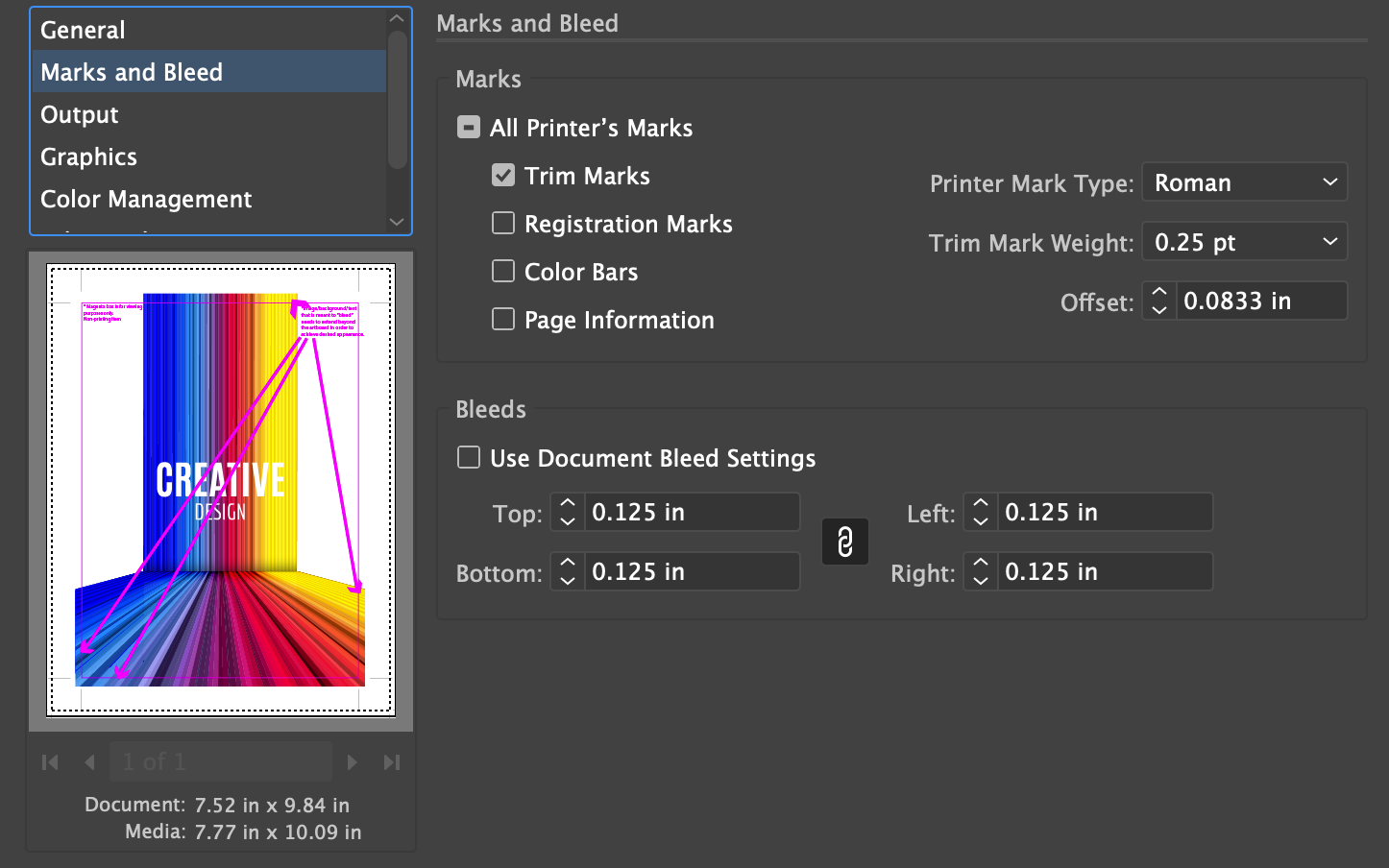
Standard size: A typical bleed is 0.125 inches (3mm) around all edges.
Purpose: Prevents white borders after trimming, ensuring a professional, seamless look.
Setting up bleed: When creating a design in software (i.e. Adobe InDesign or Illustrator), set the bleed area in the document settings, and extend your background elements (images, colors, etc.) into this bleed area.